AnswersQ
Find Your Best Learning Platform
4 quick questions — personalised in under 60 seconds
4 quick questions — personalised in under 60 seconds

Disclaimer: This post is NOT sponsored. Some product links are affiliate links which means if you buy through those links, you won’t pay anything extra and we’ll also receive a small commission on a purchase.
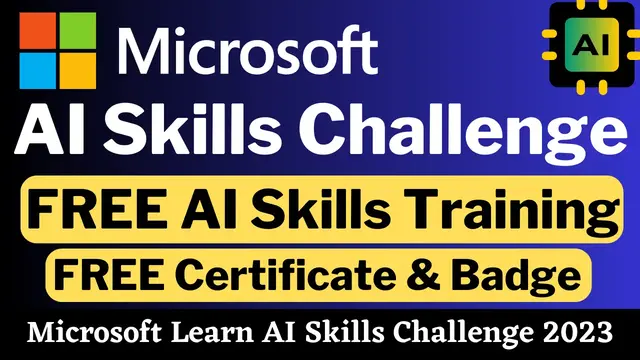
Microsoft AI Skills Challenge is a great opportunity for all of us to get high quality content to learn about artificial intelligence and its application in Microsoft products.
There are four interesting AI-themed challenges in this program. You’ll discover new experiences suited to your learning preferences and goals as you go through the challenges.
You can get a badge and completion certificate from Microsoft by finishing at least one of the challenges before the program end date.
If you want Microsoft certifications for free, check this Cloud Skills Challenge.
[adinserter block=”1″]
[adinserter block=”1″]
In this ML challenge, you’ll learn how to construct and publish models with Azure Machine Learning without writing any code. You’ll also get insight into the different developer tools available to you for interacting with the workspace.
By taking this MLOps challenge, you’ll learn to apply concepts like source control, automation, and CI/CD while using Python to create an entire MLOps solution and train, store, and use a machine learning model.
Azure Cognitive Services are AI powered building pieces that may be integrated into applications. You’ll learn about provisioning, securing, and deploying cognitive services in this challenge.
You learn about AI Builder and how to create models in this challenge, as well as how to apply them in Power Apps and Power Automate.
[adinserter block=”1″]
Step 1: Click Here to visit the official page of Microsoft Learn AI Skills Challenge.
Step 2: Choose the challenge that you want from the given options and click on the “Go to challenge” button. You’ll be directed to that particular program page.
Step 3: Click on “Sign in” at the right top and log in to your Microsoft Learn account.
Step 4: Once you’re logged in, click on the “Register now” button in the challenge page and complete the registration process.
Step 5: You are now all set to take the chosen challenge. Complete the challenge and earn your badge and certificate from Microsoft.
[adinserter block=”1″]
Yes, you can participate and complete as many challenges as you want in this AI Skills challenge.
Yes, you should create your Microsoft Learn account to participate in this program.
Yes, Microsoft AI Skills Challenge is completely free to join and you can also earn a free certificate after completing the challenge successfully.
These challenges are basically learning programs which will cover a wide range of topics about artificial intelligence. If you’re interested in honing your AI skills around Microsoft products, then this challenge will be definitely helpful for you.